Retake (rattrapages)
Rules
Duration: 2 hours
Submissions after the end of the allocated time will not be taken into account.
✔ Allowed:
- Personal notes
- Previous exercises and exploits
- Internet connection
- ChatGPT (will tell you wrong information anyway)
❌ Forbidden:
- No cheating
- No collaboration
- No online messaging (discord, messenger, etc...)
- No help from the teacher (except for technical issues)
If you need help for technical issues, you can contact me on Teams, look for michel1.san.
Setup
Repository
Previous setup for the Lab applies (with the docker container !)
The repository used in the lab is the same for the exams.
Skip this step if you kept your repo locally, and go to Download exercises
A new group will be displayed on the intra.
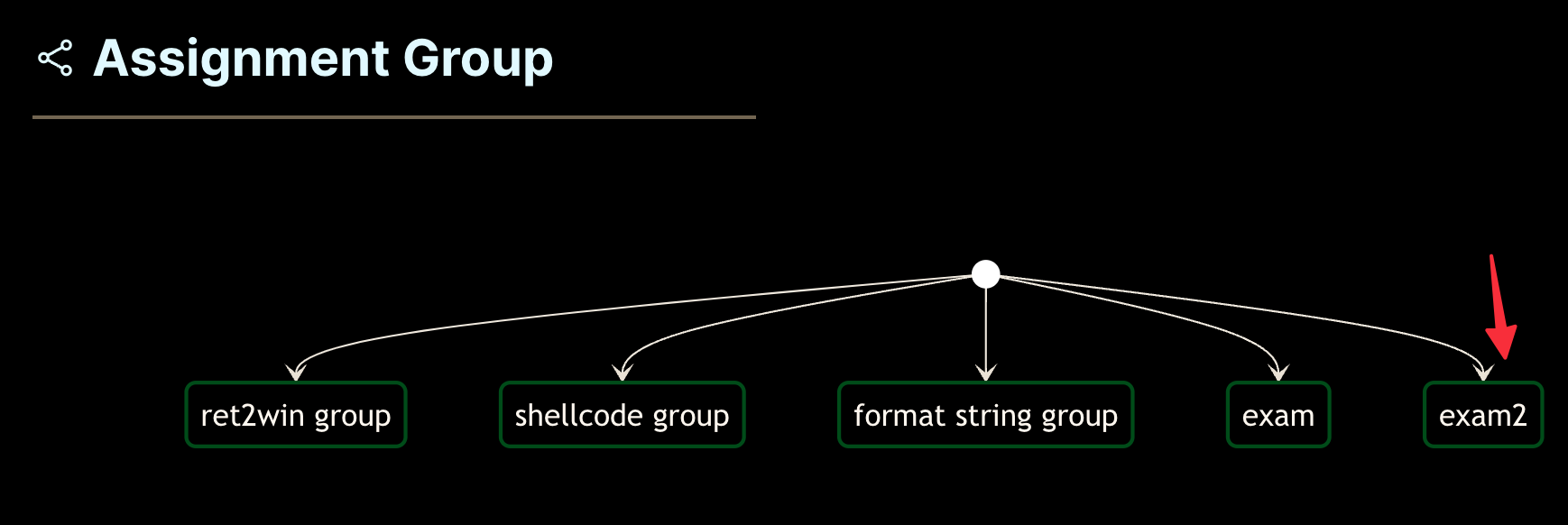
Click on the first group, then first exercise, then keep going until you arrive on this screen :
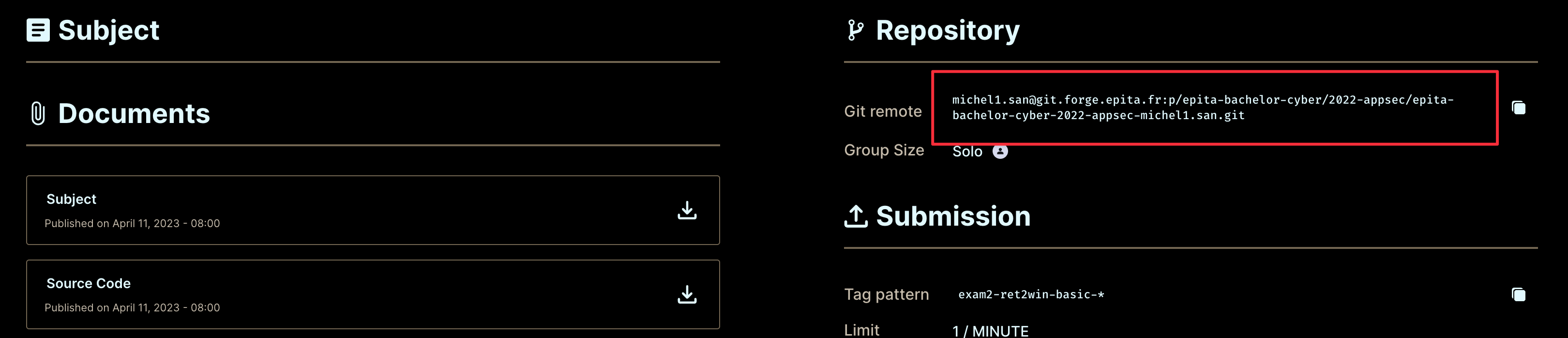
Copy and paste that git remote, and git pull (inside your docker container !):
git pull <copied_git_remote>
Download exercises
Binaries and source code will be provided in a .zip folder, that you can download.
- Run your docker container
- Go to your exercises directory (where you push to git)
- Run wget to download the exam zip
wget --user cyber2 --password 'app sec is cool' https://appsec.xn--scu-bma.re/assets/exam2.zip
- Unzip
unzip exam2.zip
[exam2.zip] ...  password:
The password will be given on the day of the exam.
You can do any exercice in any order, but the order from left-to-right on the intra tree is the recommended one.
Just like for the lab, there is no push limit.
GL HF !
Troubleshooting
General
- The binary is at
./main, usetarget = './main'in your exploit - For printing the flag, prefer using
p.clean()instead ofp.recvorp.recvline - Push your tags one by one
Shellcode
For the shellcode exercises, use this :
p.sendline(payload)  # shellcode
p.clean()
p.sendline("cat flag.txt")
p.wait(3)           # wait 3 seconds, because the moulinette is slow sometimes
print(p.clean())    # finally, print output
Tag refused
If you get an error when trying to push your tags, like "pre-hook...", delete your faulty tags with
git tag -d <faulty_tag>
# example:
# git tag -d ret2win-basic-0.30